 MeterPilot
Smart Meter vs In-Home Display: Which Number Is the Real Meter Reading?
Distinguish the installed billing meter from its portable display, app and live cost estimate when submitting or preserving a reading.
The short answer
The smart meter is the installed metering equipment that records usage for billing. An in-home display (IHD) is a portable screen that receives information and presents live or recent usage and estimated cost. If the IHD is blank or disconnected, the physical smart meter may still be recording normally.
UK government guidance explicitly distinguishes these devices and notes that an IHD problem does not necessarily mean the smart meter is broken; see smart meter troubleshooting.
Which number should you submit?
Use the cumulative register requested by your provider from the physical meter or its official submission workflow. Do not submit:
- A live kW power value.
- Today's estimated cost.
- Account credit or prepaid balance.
- A monthly graph total unless the provider explicitly requests it.
- An IHD number whose label you cannot identify.
The correct screen is often labelled kWh, Import, Total, Rate 1/2 or a provider-specific register code.
Four systems that can fail independently
| Component | What it does | A failure may look like |
|---|---|---|
| Physical meter | Measures and stores registers | Blank/failed display or implausible register |
| Communication link | Sends readings remotely | Bills become estimated despite local readings |
| In-home display | Shows usage and cost nearby | “Waiting for data,” stale value or blank screen |
| Provider account/app | Presents billing data | Delayed graph or missing reading |
A provider app showing no recent data is not proof that the physical meter stopped accumulating.
A safe diagnosis sequence
- Check the IHD is powered and near enough to the meter according to its instructions.
- Observe the physical meter display without opening any enclosure.
- Record the cumulative register and timestamp.
- Check whether the bill is marked actual or estimated.
- Contact the provider with device-specific symptoms.
Do not press and hold unfamiliar meter controls, enter service menus, remove seals or attempt a reset unless the provider explicitly directs it.
Why cost on the IHD may differ from the bill
The display may use tariff data that is delayed, incomplete or simplified. A bill may also include standing/fixed charges, taxes, adjustments, arrears or multiple rates. Treat the IHD cost as a convenience indicator, not a replacement for official bill reconciliation.
How to keep a dependable record
Save a dated physical register even when remote reporting appears healthy. If communication later fails, you still have a boundary. In MeterPilot, record the meter observation as its own source and attach official bill facts only when the provider issues them.
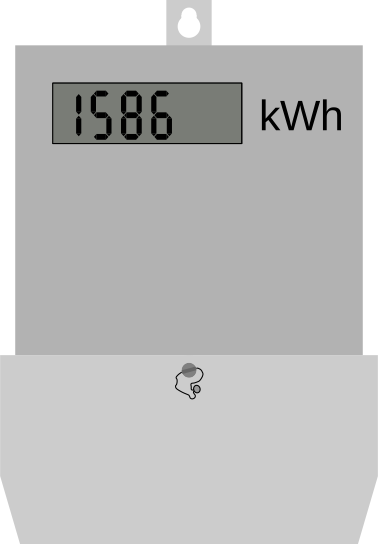

Record the register first. Interpret it second.
MeterPilot separates cumulative readings from interval usage, helping you avoid the most common unit and date mistakes.
See the MeterPilot workflow